

Quick overview
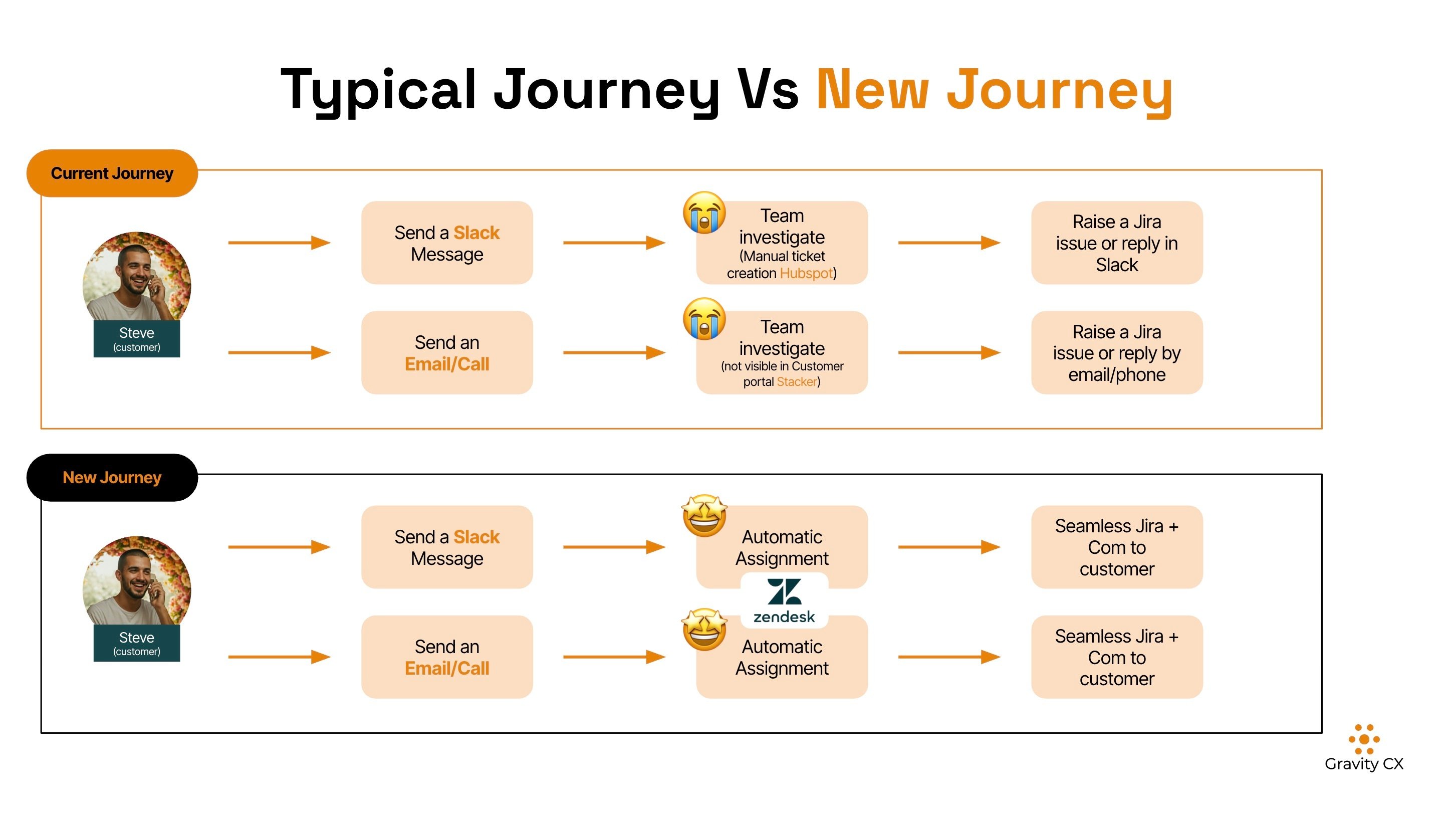
Employees want the same quality of support at work as they do as customers. If HR, IT, and other teams use only inboxes and spreadsheets, things can quickly get delayed. That’s why we’re excited to introduce our pre-built Zendesk Implementation Template for employee experience, which gives teams a single place to manage requests, track progress, and respond clearly, without having to build a system from the ground up.

Key takeaways
- Employee experience depends heavily on how internal requests are handled.
- Zendesk can be used as an internal help desk, not just customer support.
- A pre-built Zendesk template for the employee experience saves setup time.
- HR, IT, payroll, and workplace teams can all work from one system.
- Clear request forms and routing reduce employee confusion.
Why employee experience matters more than ever
Employee experience is more than perks or company values. It’s reflected in daily moments, like how easy it is to get help, how quickly questions are answered, and whether issues are resolved properly.
Most organisations deal with the same types of internal requests every day:
- New hires needing access and equipment
- Employees asking about benefits or leave.
- Payroll questions
- Workplace or IT issues
- Policy and process questions
When requests arrive by email, chat, or shared inboxes, it’s easy for things to be overlooked. Employees end up following up, teams search for information, and frustration grows for everyone.
This is where using Zendesk for employee support can really help.
What is an employee experience Zendesk template?
An employee experience Zendesk template is a ready-to-use setup made for internal support, not just customer service. It includes:
- Request forms for common employee needs
- Routing rules so tickets go to the right team.
- Status updates so employees know what’s happening.
- One place to track and report on internal requests
Rather than starting from zero, the template gives HR and internal teams a reliable foundation that fits many industries.
Why use Zendesk for internal employee support?
Many people think of Zendesk as a customer support tool, but it’s also effective for internal teams. Its main advantage is the structure it provides.
Employees can use simple forms instead of writing long emails. Support teams have all requests in one place, and managers can easily track response times and common problems.
Using Zendesk internally helps organisations:
- Reduce back-and-forth emails
- Set clearer expectations for response times.
- Keep sensitive conversations organised.
- Spot recurring issues across teams
Why choose a pre-built employee experience Zendesk template?
Setting up Zendesk without a template can take time. You need to decide what forms to create, how tickets should move, and who owns what.
A pre-built employee experience template takes away the guesswork. The basics are already set up, so teams can spend more time helping employees and less time on software setup.
This is especially useful for:
- HR teams with limited technical support
- Growing companies that are hiring quickly.
- Organisations moving away from shared inboxes.
What’s included in the employee experience Zendesk template?
1. New employee onboarding requests
New hires often need several things at once, such as system access, equipment, training links, and general guidance.
The template includes onboarding request forms that capture:
- Employee name and start date
- Access or equipment needed
- Department or role
This helps HR and IT work together without long email chains.
2. Employee benefits questions
Benefits questions are common and time-sensitive. The template includes forms for:
- Health insurance
- Leave and time off
- Retirement or superannuation
- Benefits eligibility
Using structured request forms makes it easier to give consistent answers and spot trends.
3. Payroll and compensation issues
Payroll questions can be sensitive and urgent. Zendesk keeps these requests private and traceable.
Forms can capture:
- Pay period
- Issue type
- Supporting details
This helps payroll teams resolve issues faster and with fewer follow-ups.
4. Workplace and facilities issues
Employees need an easy way to report issues like:
- Building access problems
- Safety concerns
- Desk or equipment issues
The template gives employees a clear place to raise these issues without having to guess who to email.
5. Policy and process questions
Instead of repeating answers to the same questions, HR teams can:
- Respond consistently
- Link to internal policies
- Track which topics come up most often
Over time, this also helps improve your internal documentation.
6. Employee feedback and engagement
The template can also collect employee feedback in an organised way. This is helpful for:
- Engagement surveys
- Process feedback
- Ongoing improvement ideas
Requests can be routed to the right team for review and follow-up.
7. Leave of absence requests
Leave requests often involve multiple steps and approvals. Structured forms help capture:
- Leave type
- Dates
- Supporting information
This cuts down on confusion and keeps all records together.
How workflows help teams respond faster
Behind the scenes, workflows automatically send tickets to the right team. For example:
- Onboarding requests go to HR and IT.
- Payroll issues go to payroll.
- Facilities issues go to workplace teams.
This helps avoid delays from sorting and forwarding requests by hand.
Better communication with employees
One of the biggest employee frustrations is not knowing what’s happening.
Zendesk helps by:
- Sending confirmation emails when a request is submitted
- Showing ticket status updates
- Keeping all communication in one thread
Employees don’t have to keep asking for updates, and teams don’t have to answer the same questions over and over.
One system instead of scattered tools
Many organisations rely on:
- Shared inboxes
- Spreadsheets
- Chat messages
This makes it difficult to track progress or show that issues were resolved.
Zendesk brings everything together in one system, making it easier to:
- Track response times
- See workload across teams.
- Report on common employee issues
A setup that grows with your organisation
As your organisation grows, your internal support needs will too. Zendesk lets you:
- Add new teams and request types.
- Support remote and hybrid workers.
- Adjust workflows as processes change.
The template gives you a starting point that you can adjust as your needs change.
Who should use an employee experience Zendesk template?
This setup works well for:
- HR departments
- Employee experience teams
- Internal communications
- IT and workplace support
- Growing organisations with distributed teams
If your employees often ask for help, this template can help you manage their requests more easily.
Frequently Asked Questions
What is an employee experience Zendesk template?
It’s a pre-built Zendesk setup designed for internal employee support, including HR, IT, payroll, and workplace requests.
Is Zendesk only for customer support?
No. Zendesk works well for internal support and is commonly used for employee experience and internal service desks.
How long does it take to set up?
Most teams can be up and running quickly since request forms and workflows are already in place.
Can this replace HR software?
No. Zendesk manages requests and communication. HR systems still handle records and payroll.
Is employee data secure?
Zendesk includes access controls and permissions to help protect sensitive information.
Can we customise the template?
Yes. Forms, workflows, and routing rules can all be adjusted to fit your organisation.
Does this work for remote teams?
Yes. Employees can submit requests from anywhere, making it suitable for remote and hybrid teams.
Get Started Today!
If you want a more straightforward, more reliable way to support employees, an employee experience Zendesk template is a practical place to begin.
You can try out the template, see how it works, and get started without a lengthy setup process. It’s an easy way to move internal support from inboxes to a system that actually works. You can try out your Zendesk Implementation Template and get started today. For a detailed walkthrough of the template setup process, explore our "How It Works" page.