

“Can you resend my invoice?” “What do we actually owe?” “Did our payment go through?” If your business runs on Xero and your support runs on Zendesk, questions like these land in the queue every single day and answering them usually means an agent opening Xero in another tab, searching for the customer, cross-checking the email address, and copy-pasting numbers back into the ticket. Or worse: pinging the finance team and making the customer wait a day.
We got tired of watching that happen in our clients’ instances, so we built the missing piece: a Zendesk Xero integration that puts the customer’s Xero account directly in the ticket sidebar. It’s live now on the Zendesk Marketplace, with a free 7-day trial.

What the Xero integration does
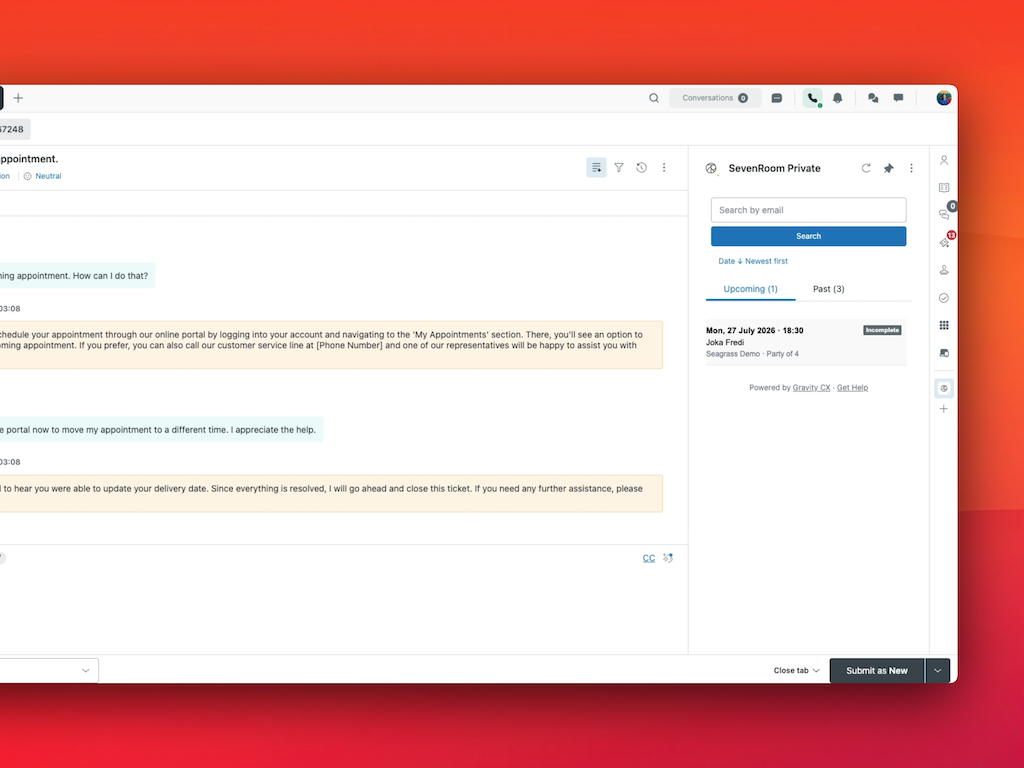
When an agent opens a ticket, the app automatically matches the requester to a contact in your connected Xero organisation and surfaces their account at a glance — no tab-switching, no copy-pasting, no “let me check with accounts.”
- Auto-match on open — the requester is matched to their Xero contact by email address, falling back to phone number.
- Search any contact — look up any Xero contact by name, email or phone, right from the sidebar.
- Invoices, organised — grouped into outstanding, paid and draft, with the current outstanding balance per currency and overdue flags.
- Full invoice detail inside Zendesk — line items, discounts, tax and totals, without leaving the ticket.
- One-click jump to Xero — open any contact or invoice in Xero when you need to go deeper.
- Strictly read-only — the app never edits anything in Xero.
What this looks like in a real ticket
A customer emails: “We think we’ve been double-billed.” Without the integration, that ticket bounces between support and finance. With it, the agent sees the customer’s Xero contact the moment the ticket opens: two outstanding invoices, one flagged overdue, and last month’s invoice marked paid. They open the invoice detail, check the line items, and answer in the first reply with the exact invoice numbers and amounts. What used to be a two-team, two-day thread becomes a two-minute resolution.
The same applies to the everyday cases: confirming a payment landed before releasing an order, checking an account balance before approving a refund, or spotting that a “where’s my invoice” requester actually has three overdue which turns a support ticket into a gentle collections nudge.

Read-only and privacy-first by design
Finance data deserves extra care, so the integration is deliberately conservative. The connection to Xero uses OAuth authorised by your administrator, and the consent grants read-only access to contacts and invoices only. The app reads the requester’s email and phone from Zendesk to find the matching contact, shows the result in the ticket sidebar, and stores nothing no Xero data is kept, sold or shared with any third party. Your Xero credentials are never exposed to the app or the browser.
Setup takes about two minutes
- Install the app from the Zendesk Marketplace.
- Click Sign in with Xero and log in with a Xero user that has access to the organisation you want to connect.
- On the Xero consent screen, select your organisation and click Allow access.
- Optionally restrict the app to specific roles or groups, then finish the install. Open any ticket the app appears in the sidebar.
Pricing
One simple plan: USD $2.50 per agent, per month, after a free 7-day trial. No tiers, no usage caps, and the app is actively maintained by our team the same team that builds and runs Zendesk for Australian businesses every day.
Who it’s for
Any team running Zendesk Support with Xero as their accounting system which in Australia and New Zealand describes a lot of businesses: SaaS companies fielding billing questions, agencies and professional services invoicing on account, ecommerce and wholesale teams reconciling payments before shipping, and any support queue where “invoice” is a top-ten word. If your agents ask finance for account lookups more than a couple of times a week, the integration pays for itself in the first day.
Frequently asked questions
Can the app change anything in Xero?
No. It’s strictly read-only agents can view contacts and invoices but the app never creates, edits or deletes anything in your Xero organisation.
How does it know which Xero contact belongs to a ticket?
It matches the ticket requester’s email address against your Xero contacts, and falls back to phone number if there’s no email match. Agents can also search Xero manually by name, email or phone from the sidebar.
Is any of our Xero data stored by the app?
No. Lookups run through Zendesk’s secure proxy and results are displayed in the ticket sidebar only nothing is stored, sold or shared with third parties.
What do I need to install it?
A Zendesk Support instance with admin access, and a Xero login with access to the organisation you want to connect. Installation and OAuth consent take about two minutes end to end.
Try it free for 7 days
Install the Xero Integration by Gravity CX from the Zendesk Marketplace and see your customers’ invoices inside tickets today. It’s part of Zendesk OS, the software layer we built for our own clients alongside our Automated Health Check, Faqify and Agent Ticket Chat apps.
And if you suspect your Zendesk itself isn’t pulling its weight not just the billing questions run our free 2-minute Zendesk health check. It reads your actual configuration and 30 days of usage, read-only, and shows you exactly what your setup is and isn’t doing.